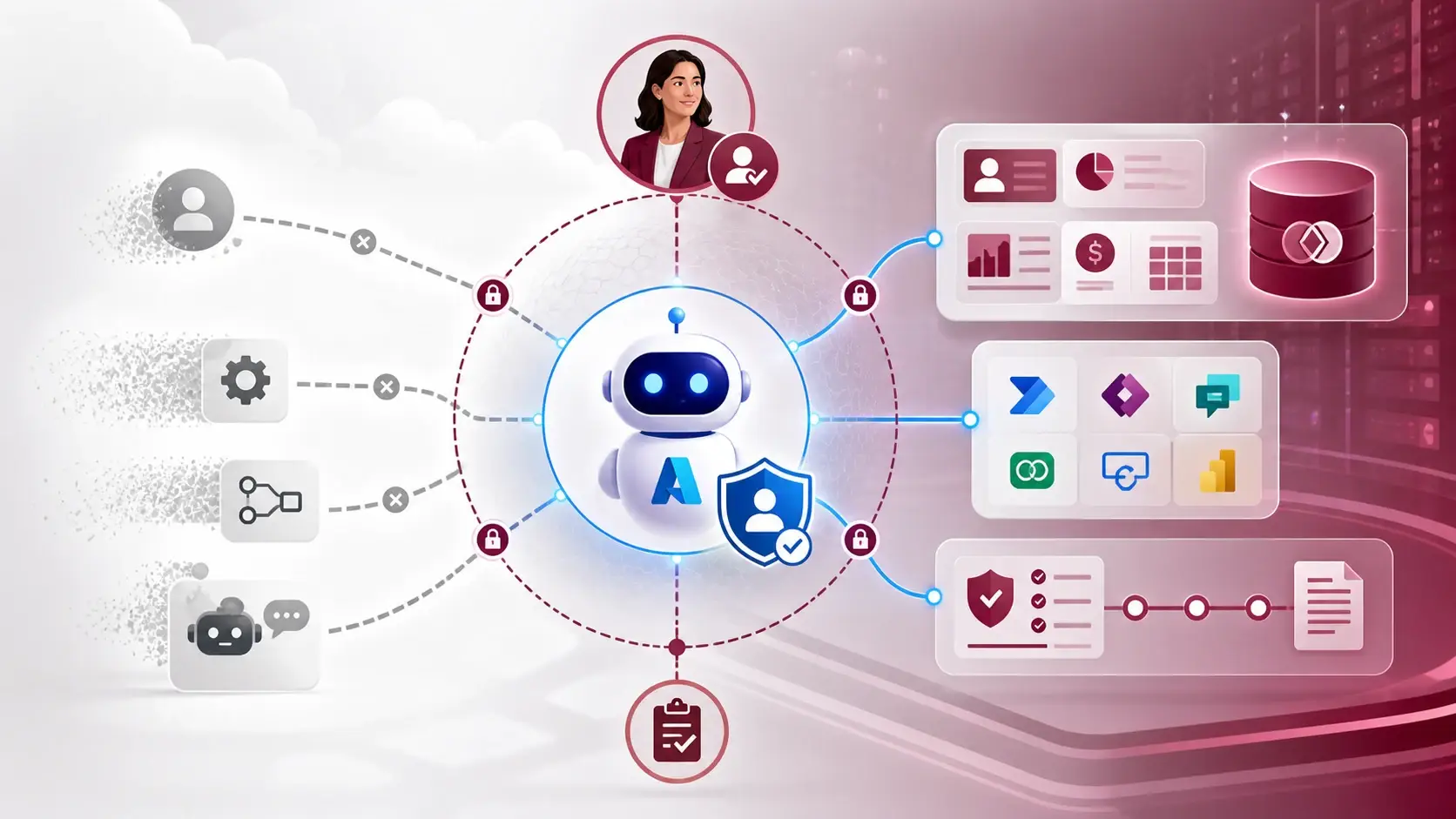
Dataverse MCP turns governed business data into an agent-ready interface
This is the hands-on one. Dataverse can act as an MCP server for Copilot Studio, GitHub Copilot in Visual Studio Code, GitHub Copilot CLI, Claude and other compatible clients. Here is how I would switch it on without exposing more than I mean to.
What you are actually enabling
The Dataverse MCP server exposes a standard endpoint that AI clients can connect to. The remote endpoint follows this pattern:
https://<organisation>.crm.dynamics.com/api/mcpThrough it, an agent gets named tools with descriptions — for example describe, search_data, read_query, create_record and update_record — rather than an open database connection. That tool shape is what makes an agent reviewable: you can see exactly which operations it was offered.
How to switch it on safely
- Pick the environment, client and identity. Note the organisation URL, the AI client and the account that will authenticate. A client enabled in one environment is not enabled everywhere.
- Enable only what you need. Turn on Dataverse MCP and the specific client. For a non-Microsoft client, use the documented local proxy or remote endpoint, not a home-made connection.
- Start with discovery. Ask the agent to describe the tables you care about, then compare its answer with the maker portal. Check logical names, lookups and choice values.
- Ask one read-only question against non-sensitive data that an existing view already answers, such as open follow-ups for a customer. Compare the record count and columns with the view.
- Add one controlled write, if you need it. Name the table and fields, use a test record, and require a person to confirm before a business change is applied.
- Write down the boundary: client, environment, identities, allowed tools, data classification, monitoring and how to switch it off.
Things that will change under you
- The tool list evolves. Microsoft has already renamed and replaced tools, including changes around
describe,searchandsearch_data. Review client allow and deny lists after each change. - Preview has its own endpoint. Preview tools use
/api/mcp_previewand do not carry production expectations. - It can cost credits. External agents using Dataverse MCP tools can consume Copilot Credits, depending on client, licence and data. Check the current billing guidance before a high-volume design.
- An answer is not an audit record. Keep Dataverse auditing and human approvals in step with the risk.
I treat Dataverse MCP as an interface design problem, not an AI feature. A small, well-described set of tables an agent can explain is worth more than access to everything.
A practical next step
Do steps 1 to 4 this week in a development environment. If the answer matches your existing view and the agent can explain how it got there, you are ready to design the first write scenario with an approval step.
Sources
References used for this article. Links open in a new tab.
- Microsoft Learn — Connect to Dataverse with model context protocol (MCP)
- Microsoft Learn — Configure the Dataverse model context protocol (MCP) server
- Microsoft Learn — Connect to Dataverse with model context protocol in non-Microsoft clients
- Microsoft Learn — Enable preview tools and features in Dataverse MCP server
- Microsoft Learn — New and planned features for Microsoft Dataverse, 2026 release wave 1
- Microsoft — Dataverse MCP Server: Understanding the New Tool Shape
- Microsoft — Dataverse MCP Server: A Game Changer for AI-Driven Workflows
- GitHub Pages — Connecting Copilot Studio to a Dataverse MCP Endpoint Across Environments: A Practical Guide
- GitHub Pages — Dataverse Retrieval Patterns for Structured Data in Copilot Studio Agents