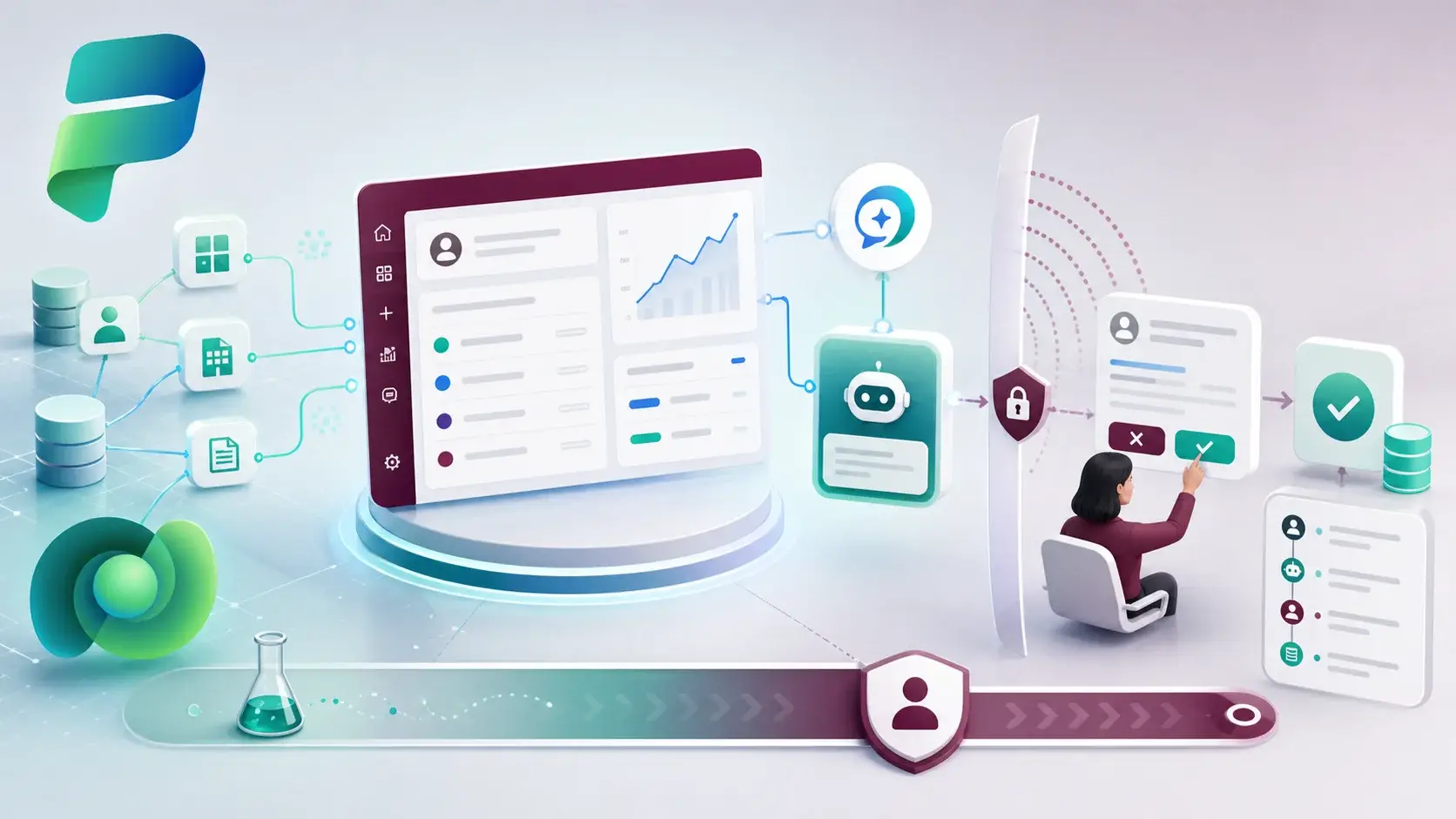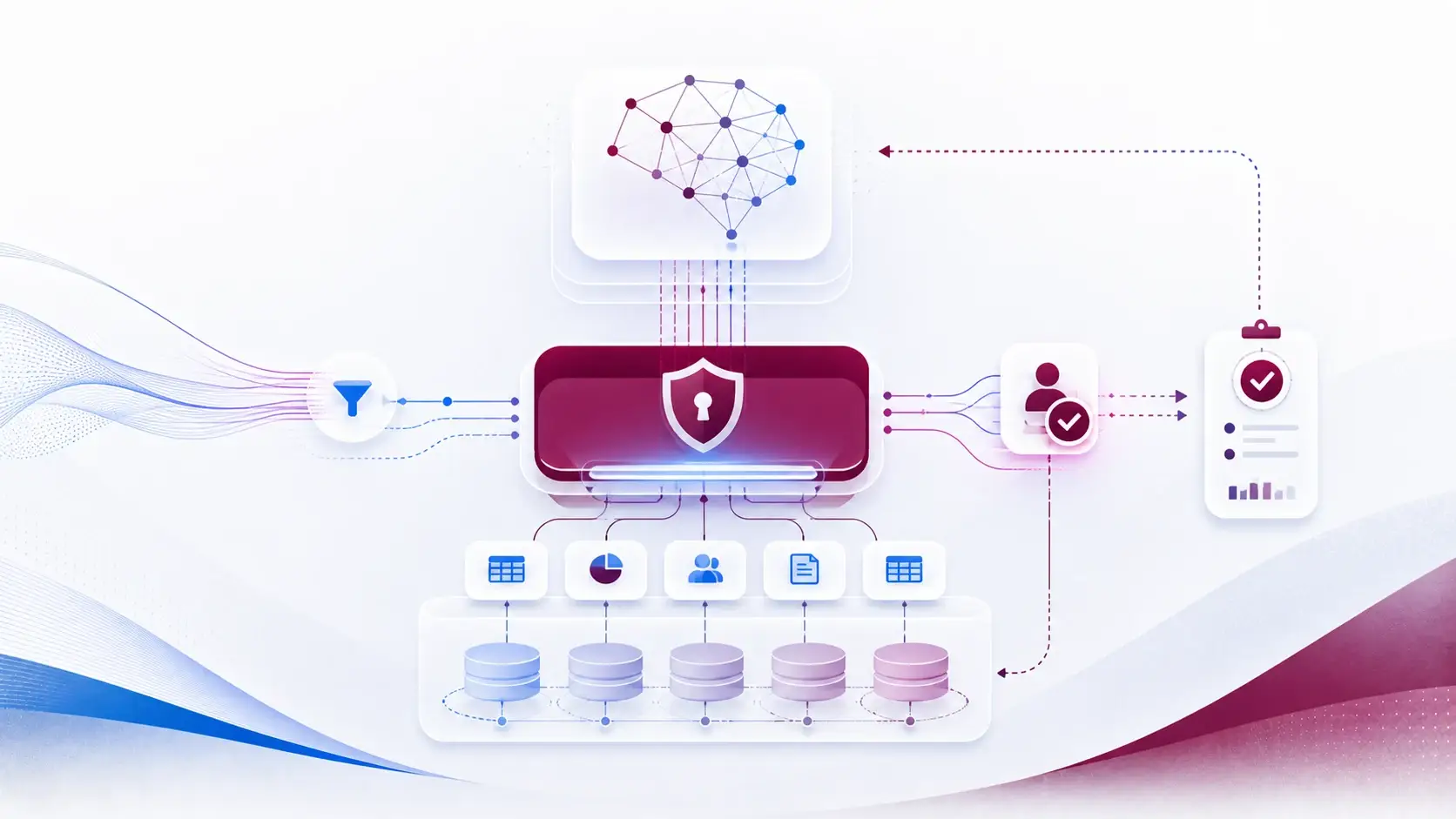
Security roles and ALM: deploy the boundary with the feature (14/15)
A feature that arrives without its security boundary is not finished. Either users cannot reach it, or — worse — they can reach more than they should. Security roles belong in the release, with the same review as everything else.
Start with people, not privileges
It is tempting to open the role editor and start ticking boxes. I find it works better the other way round: first describe the personas — the case handler, the team lead, the external partner — and the records each one needs.
Only then design the roles. The result is usually smaller, easier to explain and easier to test.
What travels and what stays
Security roles can be included in solutions, so the role definition moves with the feature. Role assignments — which users and teams hold which role — usually belong to the environment.
Make that split explicit in the release notes. "The role is deployed; assignments are done by the service desk using this list" is a clear instruction. "Security is in the solution" is not.
Test both directions
Most teams test that users can do their job. Fewer test that they cannot do somebody else's. For every persona, I want two tests after deployment:
- A positive test — this person can open, create or update what they need.
- A negative test — this person is blocked from a record or action they should not have.
Run them with separate test identities, not with an administrator. Production users should never be the way you find out the permission model is wrong.
How roles drift
Roles get broader through small, reasonable-looking changes: a dependency that adds a privilege, or a quick fix made directly in production to unblock a user. Each one is small. Together they quietly undo the design.
Keeping roles in source control and reviewing their changes in pull requests is the simplest defence I know.
I prefer a failed deployment to an unreviewed increase in privilege. Access tests belong in the release evidence, especially when tables, portals or agents expose data beyond the team that built them.
A practical next step
For your next release, write one positive and one negative access test for each persona, and run them with dedicated test accounts after deployment.
Sources
References used for this article. Links open in a new tab.
- Microsoft Learn — Pre-populate connection references and environment variables for automated deployments using Power Platform Build Tools
- Microsoft Learn — Git version control
- Microsoft Learn — Managed solutions alm
- Microsoft Learn — Application lifecycle management (ALM) with Microsoft Power Platform
- GitHub Pages — pipelines and source control (PDF)