Power Platform environments: design the road before you build (2/15)
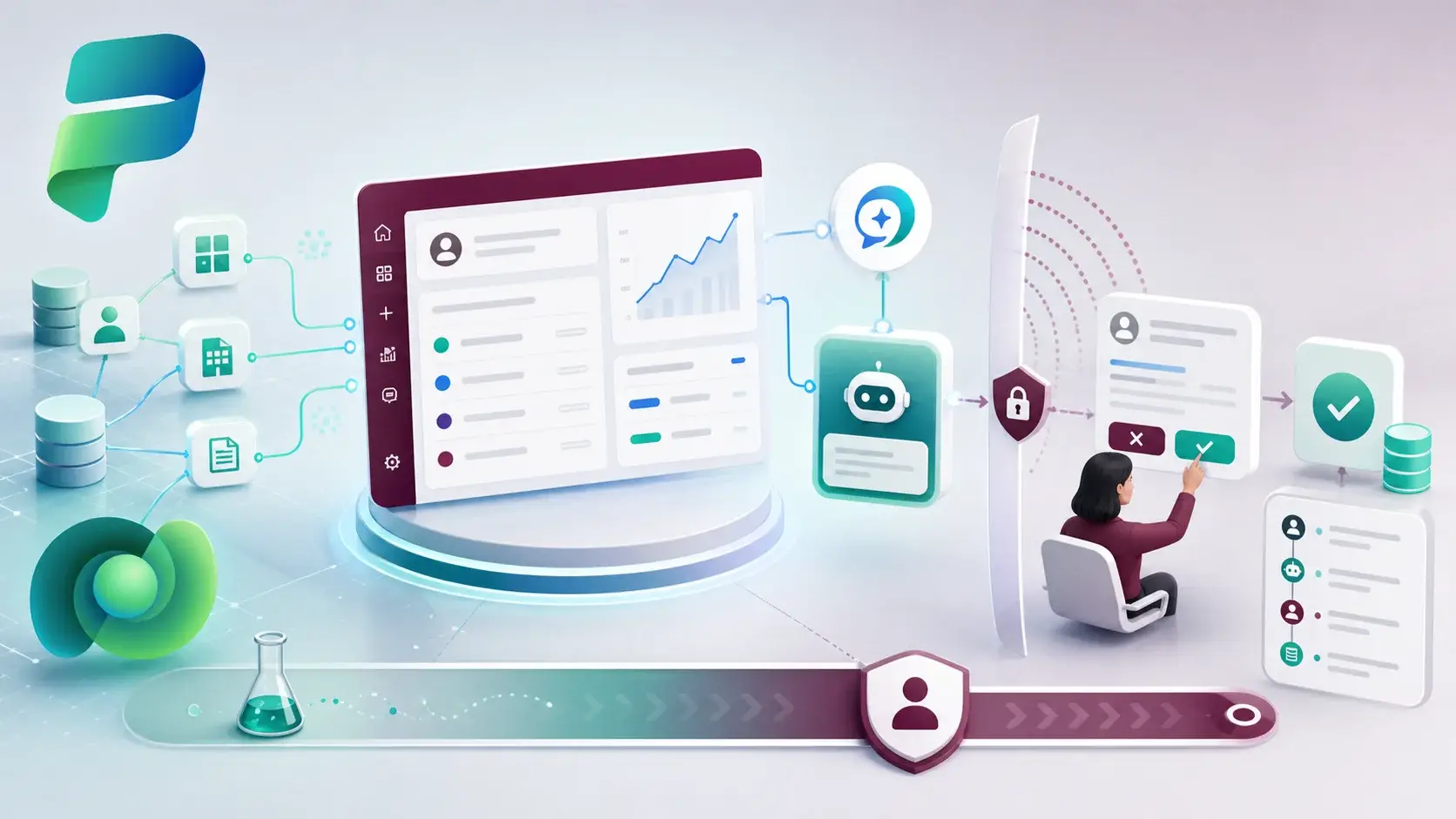
An environment is not a folder for apps. It is a boundary for data, makers, connections and security. Get the boundaries right early and most of the later ALM work becomes easier. Get them wrong and every release turns into a negotiation.
Start from purpose, not from team names
I often see environments named after whoever asked for them: "Finance Dev", "Sarah's test", "New CRM". Six months later nobody knows which one is safe to delete or which one production depends on.
A better approach is to classify each environment by what it is for. A typical minimum looks like this:
- Development — where makers change things. Unmanaged work lives here.
- Validation or test — where a managed release is checked by someone other than the builder.
- Production — where users work. Nobody edits components directly here.
- Experiment — a separate, disposable space for trying ideas, with no production dependency.
The right number is the smallest number that protects your data and gives the team confidence. Too many environments creates maintenance. Too few makes testing unsafe.
Decide what each boundary controls
Once the purpose is clear, a few decisions follow naturally:
- Who can work there. Use security groups so access is deliberate, not inherited.
- Which data lives there. Decide what is copied, masked, seeded or never moved between stages. Production customer data in a development environment is a risk, not a convenience.
- Where releases come from. Production should only receive changes from one known source environment.
- Capacity and connectors. Each environment consumes capacity and carries its own connector policies, so plan both rather than discovering them later.
Label every environment
The cheapest improvement I know is a simple register. For each environment, record its owner, purpose, data classification and role in the deployment path. It takes an afternoon and it answers questions that otherwise take a week of emails.
It also makes the next parts of this series concrete. Solutions, pipelines and validation gates all assume you know where a change starts and where it is allowed to go.
I prefer a simple path that people actually follow — development, validation and production, plus a separate place for experiments — over a perfect design that only the architect understands.
A practical next step
List your current environments in a table with owner, purpose, data classification and deployment role. Anything without an owner is your first conversation. Anything with production data but no production controls is your second.
Next in the series: solutions, the unit that actually moves along this road.
Sources
References used for this article. Links open in a new tab.
- Microsoft Learn — Set up pipelines in Power Platform
- Microsoft Learn — Pre-populate connection references and environment variables for automated deployments using Power Platform Build Tools
- Microsoft Learn — Git version control
- Microsoft Learn — Managed solutions alm
- GitHub Pages — pipelines and source control (PDF)