Environment variables make Power Platform solutions portable (5/15)
A solution should not need to be edited for every environment it lands in. If someone has to open a flow in production and change a URL by hand, the solution is not really portable. Environment variables fix that, as long as you treat them as a contract.
What they separate
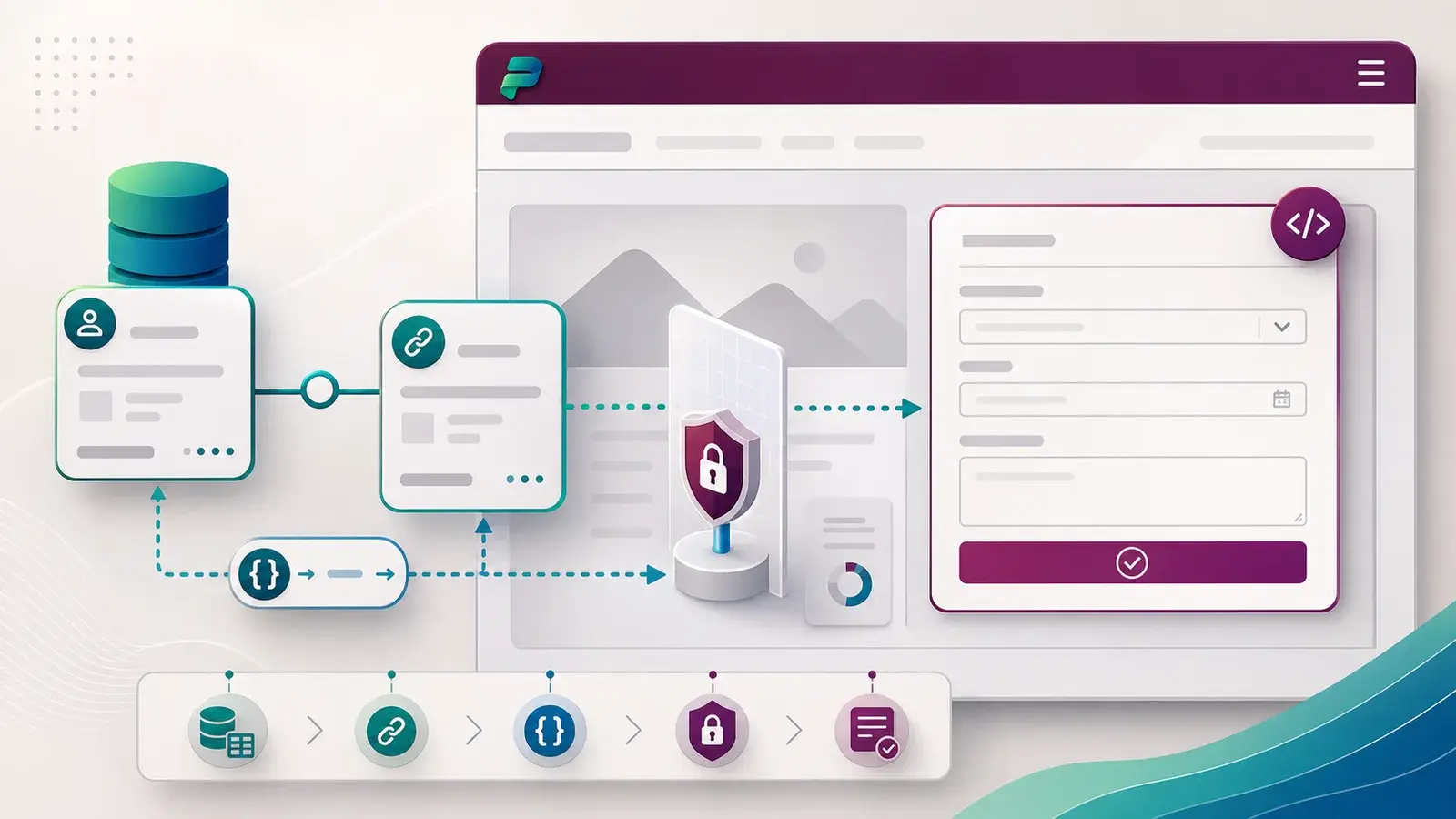
Environment variables let a component reference a value that differs per environment — an endpoint, a site address, an identifier, a feature switch — while the solution structure stays the same. The definition travels with the solution. The value belongs to the target.
That split is the whole point. The package describes what is needed. The environment supplies which one.
Name them for meaning, not for today
A variable called DevSharePointUrl is already wrong the moment it reaches production. Name it for its business purpose: SupplierDocumentsSite, InvoiceApiBaseUrl, EnableNewApprovalStep.
If the name does not make the purpose and the risk obvious, the configuration is already too hard to review.
How I set them up
- Create the definitions inside the solution, so they move with it.
- Use separate values for development, test and production, and keep the production values out of source control.
- Check every consumer. Before deploying, review each app, flow or plug-in that reads the variable, so a change does not surprise a component you forgot about.
- Set and verify values at import, and record who is allowed to change production configuration afterwards.
The mistakes that cost the most
- A test value left in production, quietly sending data to a test system.
- A variable with no owner, so nobody knows whether changing it is safe.
- Hard-coded values left behind in one or two places because "it was only one flow".
Each one passes the import and fails later, which is exactly why they are expensive.
I think of environment variables as the agreement between a solution and the environment hosting it. Write that agreement down clearly and deployments become boring — which is exactly what you want.
A practical next step
Find one hard-coded endpoint or site address in a development solution and replace it with a named environment variable. Then deploy it to test and set the value there. That single change usually exposes two or three others.
Next: connection references, which do the same job for connections.
Sources
References used for this article. Links open in a new tab.