ALM in Power Platform: deployments are a product capability (1/15)
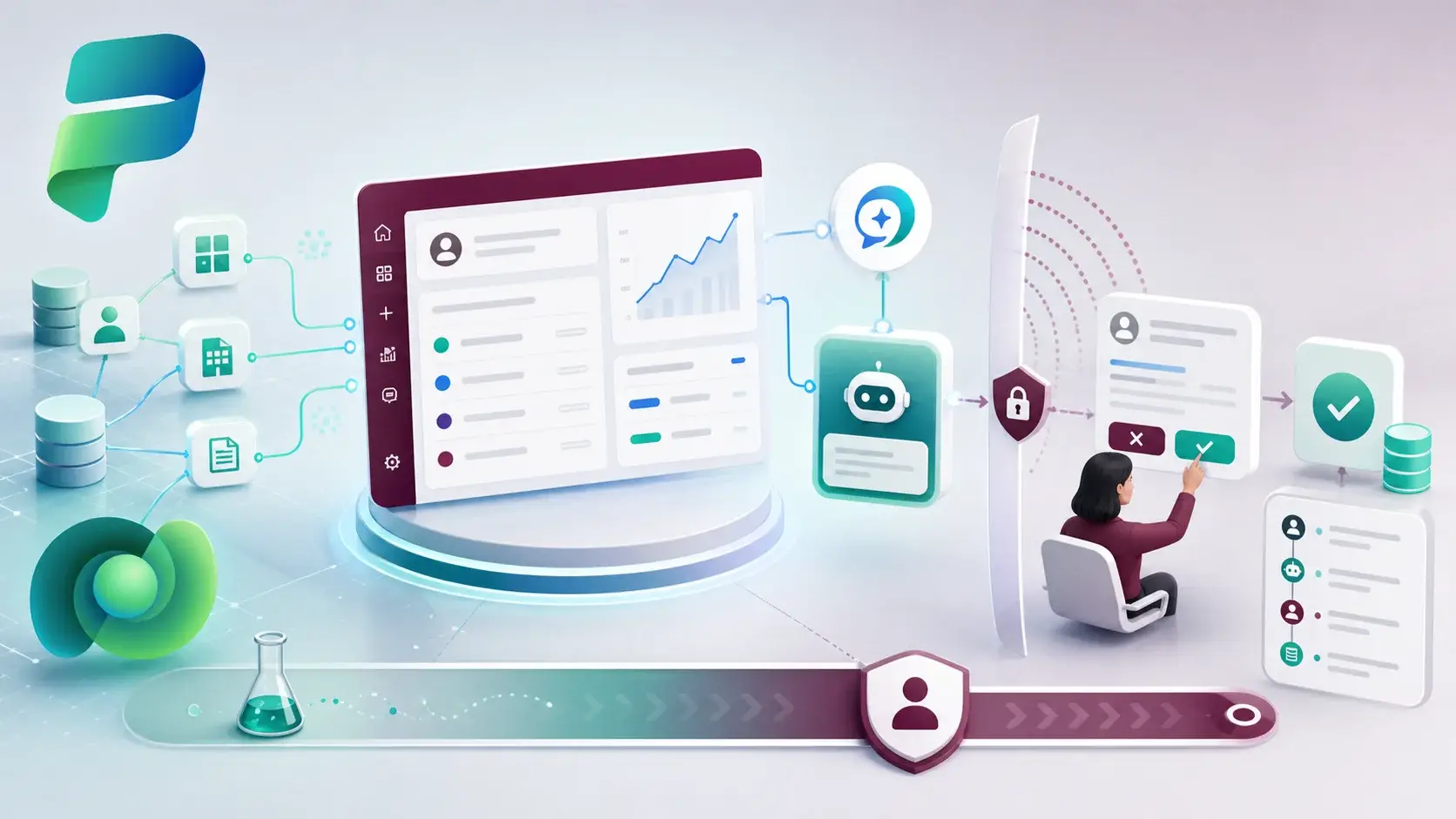
Most Power Platform teams I meet can build. Fewer can tell me, with confidence, how a change gets from a maker's environment to production and what happens if it goes wrong. That second skill is what this series is about.
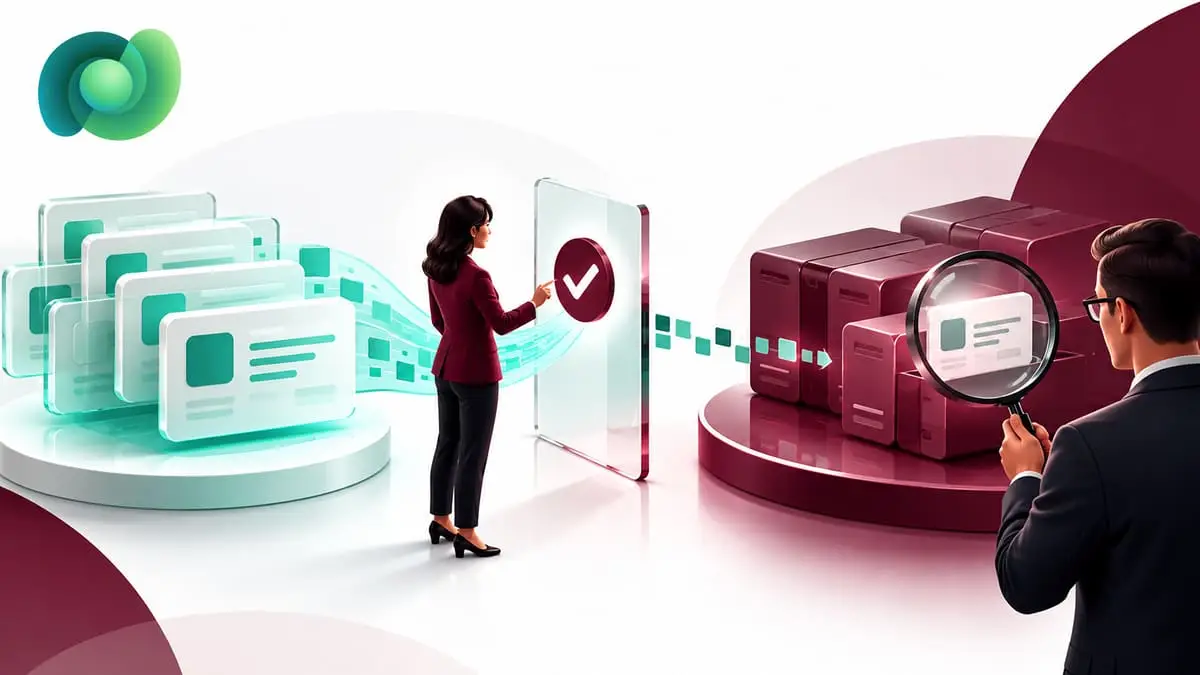
A deployment is not finished when the import shows a green tick. It is finished when the right version, configuration, permissions and support owner are all in place in the target environment. If one of those is missing, the feature is not really live. It is just present.
Why I call it a product capability
When ALM is treated as a release task, it happens at the end, under time pressure, by whoever knows the steps. When it is treated as part of the product, the team designs for it from the first day: what gets packaged, what changes between environments, which identity imports it, and how we will know it works.
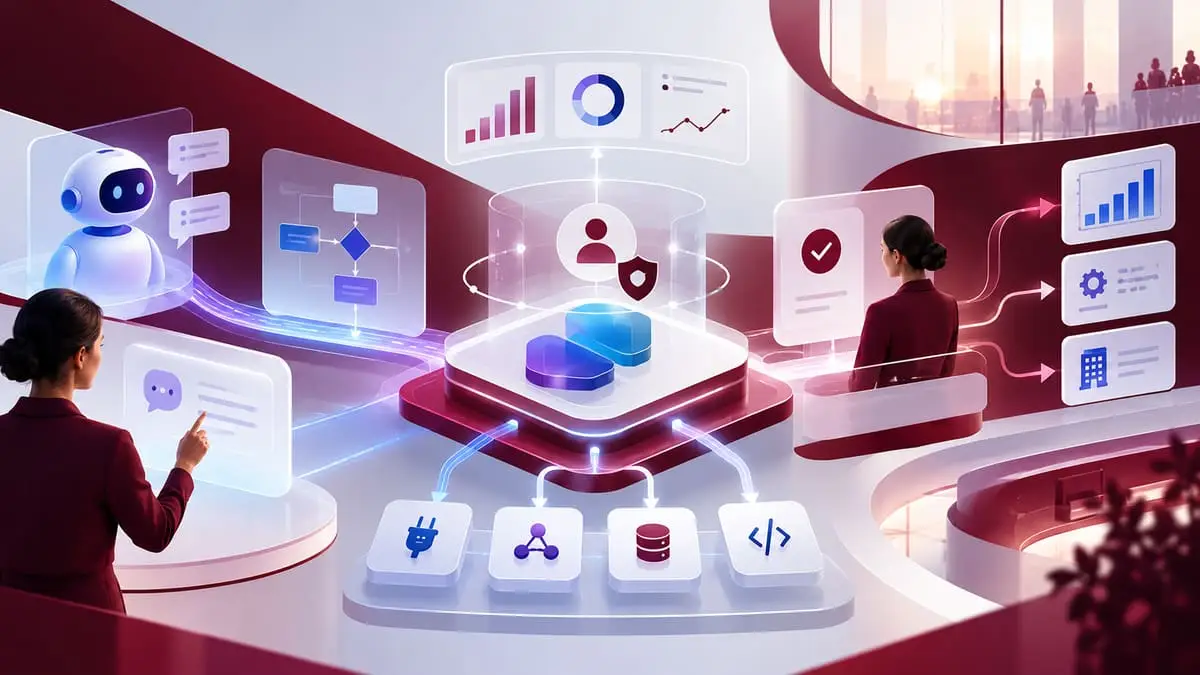
Microsoft's own ALM guidance connects environments, solutions, source control, validation and deployment as one practice, not five separate topics. I agree with that framing. Each part of this series picks up one of those pieces and looks at the decisions that make it repeatable.
How the series is organised
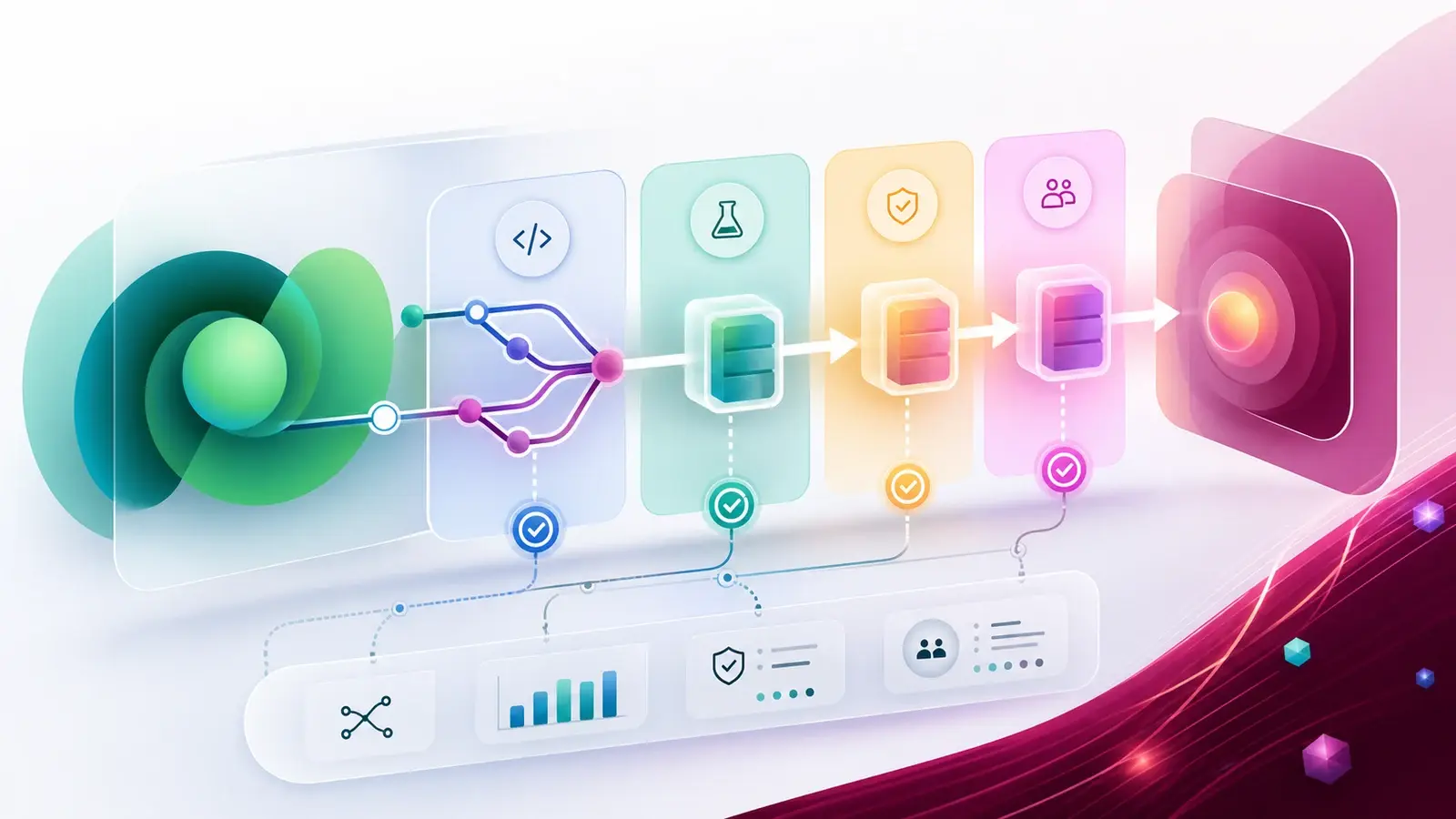
The parts follow the order a change actually travels:
- Environments — the road a change travels on.
- Solutions — what actually moves.
- Solution layers — why the last import is not always the winner.
- Environment variables and connection references — keeping environment-specific values out of the package.
- Source control and validation gates — making changes reviewable and catching defects early.
- Power Platform pipelines and Azure DevOps or GitHub Actions — choosing who runs the deployment.
- Data, flows, Copilot Studio agents and security roles — the parts that most often break after a "successful" import.
- Rollback and support — what happens after go-live.
What "done" should include
For every release, I like to see a short record that answers five questions:
- Which solution version moved, and from which environment?
- Which configuration values were set in the target, and who owns them?
- Which identity performed the import?
- What was tested after the import, and what was the result?
- How would we reverse it?
It sounds like paperwork. In practice it is the thing that saves the next release, because it stops a manual production fix from turning into an invisible layer that the next deployment quietly overwrites.
I treat ALM as part of the solution design, not something added at the end. If a team cannot explain how a change moves, who approves it and how it is reversed, the solution is not ready — no matter how good the demo looks.
A practical next step
Pick one existing app and draw its current path from build to production on a single page. Mark every manual step and every place where you rely on memory. That page is your starting backlog for the rest of the series.
Sources
References used for this article. Links open in a new tab.