Copilot Studio is moving from agent builder to an operating model for AI work
Copilot Studio started as a place to build chat experiences. Microsoft now positions it as a place to build apps, workflows and agents together, then evaluate, govern and run them as part of a business process. That changes the first question in a project from "what should the agent say?" to "which part of this process needs an agent at all?"
Three building blocks, three jobs
The way I explain it to clients:
- Apps give people a working interface.
- Workflows give predictable execution for steps you already understand.
- Agents handle the situations where the path is not known in advance.
An agent is rarely the whole solution. In a real process it might look up a Dataverse record, call a connector, ask for approval, start a workflow and report back. The value sits in that surrounding process, not only in the quality of the answer.
Tools are permissions
Recent updates let makers list and preview the tools an MCP-enabled Power Platform connector exposes before adding them to an agent, and connector behaviour around schemas, authentication and tool calls is getting more reliable.
Useful, but every tool you add is a capability granted to the agent. Before enabling one, I write down:
- the data classification;
- who owns the connection;
- which operations are allowed;
- how it fails, and how we will notice.
Previewing a tool shows what it does. It does not prove it is safe for every user and every prompt.
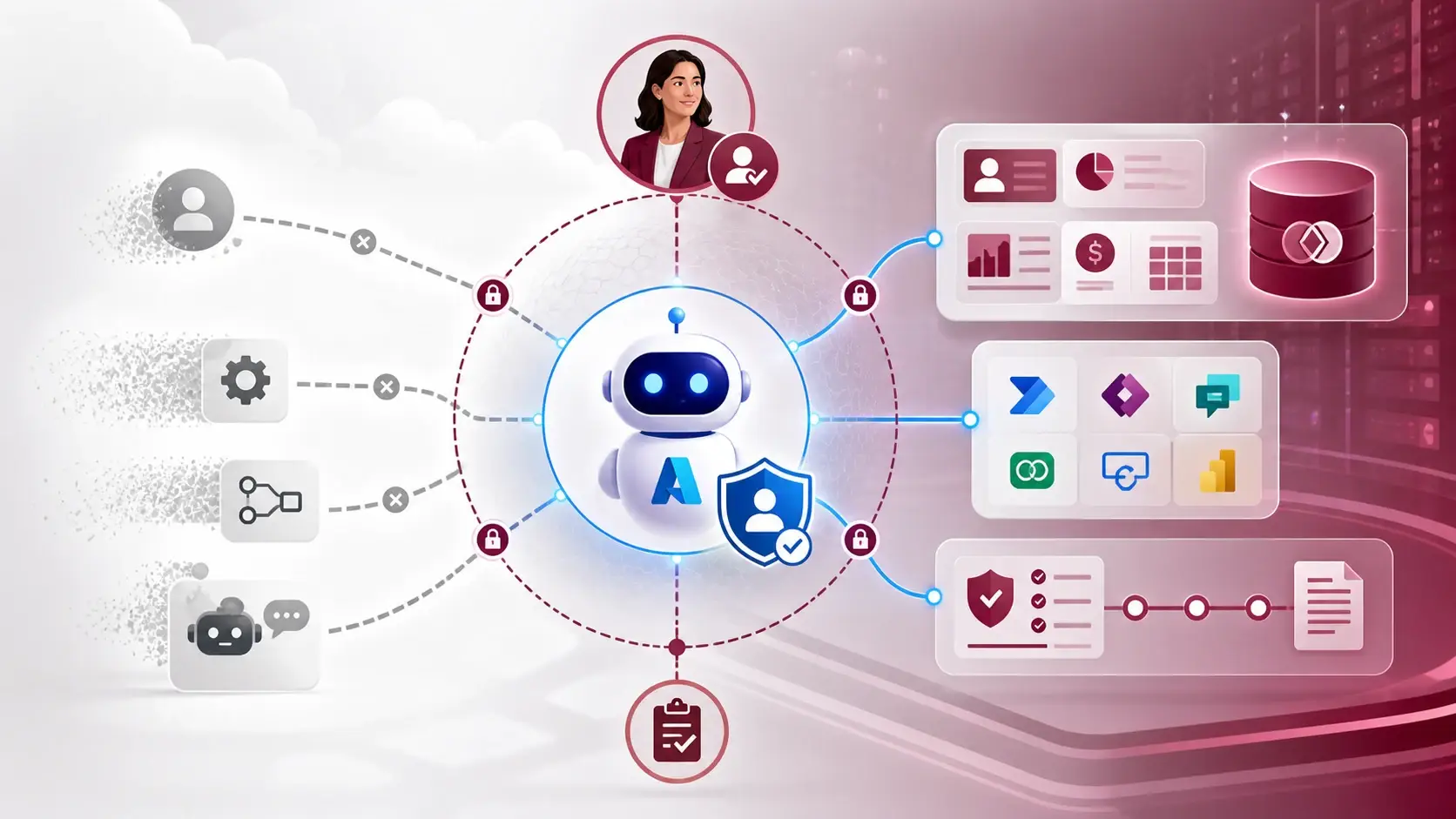
The same goes for identity. New agents now get a Microsoft Entra Agent ID automatically, which makes permission conversations much more concrete — I covered that in a separate article. My rule is simple: if the team cannot say which identity did something and why it was allowed, the agent is not ready.
Evidence before launch
Environment-level metrics, custom metrics, feedback signals, multi-turn tests and workflow evaluations are all now part of the product. Microsoft is also exposing agent inventory and management through platform APIs.
That is a healthy correction to the demo phase. A demo shows an agent working once. A service needs evidence that it works consistently, handles an unavailable connector, respects permissions and produces a useful result. Write the evaluation scenarios before you publish, not after the first incident.
Governance inside the solution
Data loss prevention messages are clearer, administrators can constrain publishing, and agent health and error reporting are improving. For a delivery team this means governance cannot be a document sitting next to the project. It belongs in the solution: environment variables, connection references, role assignments, evaluation cases, approval steps and deployment checks.
How I run a new Copilot Studio project
- Map the process and mark each step as workflow, app or agent reasoning.
- Decide the identity, connection strategy, data boundaries and approval points.
- Start with the fewest connectors or MCP tools that work, and test their failure paths on purpose.
- Write multi-turn evaluations, including unsafe, ambiguous and incomplete requests.
- Track quality, usage, cost and business outcome — not just conversation volume.
- Promote through controlled environments with an owner and a rollback option.
The interesting part of Copilot Studio today is not that agents can do more. It is that the platform is becoming a place to design how AI work is created, connected, measured and governed.
Sources
References used for this article. Links open in a new tab.
- Microsoft — Build apps, workflows, and agents together - New in Copilot Studio, September 2026
- Microsoft Learn — What's new in Copilot Studio
- Microsoft Learn — Copilot Studio release notes, version 2026.6.3
- Microsoft Learn — Copilot Studio release notes, version 2026.5.3
- Microsoft Learn — Copilot Studio release notes, version 2026.6.1
- Microsoft Tech Community — Meet the new Copilot Studio: rebuilt for more complex, multi-step work