Microsoft Entra Agent ID gives Power Platform agents an accountable identity
When an agent updates a supplier record, who did it? For a long time the honest answer was "the integration account", which tells you almost nothing. Microsoft Entra Agent ID is designed to give a much better answer.
What an agent identity is
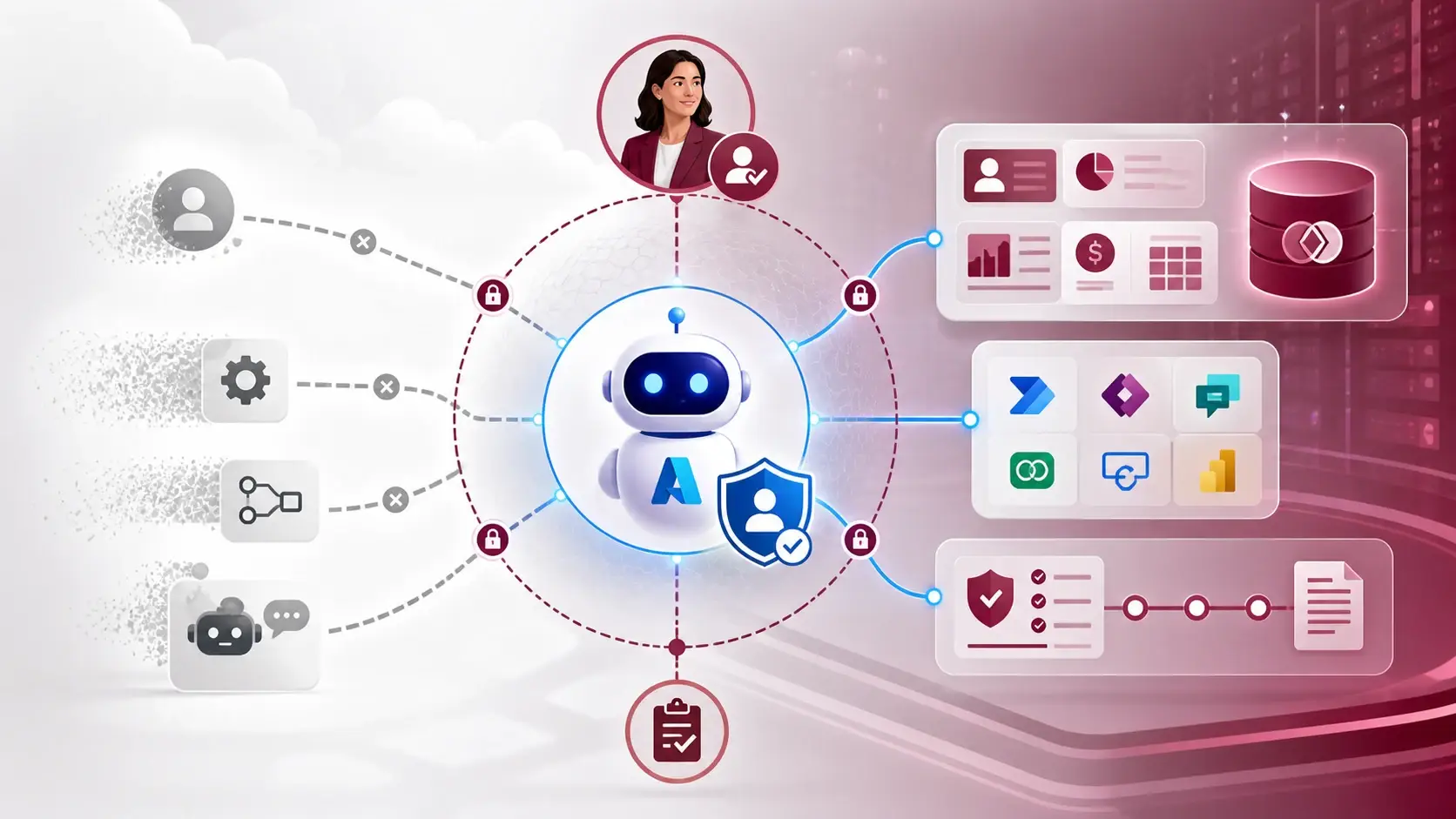
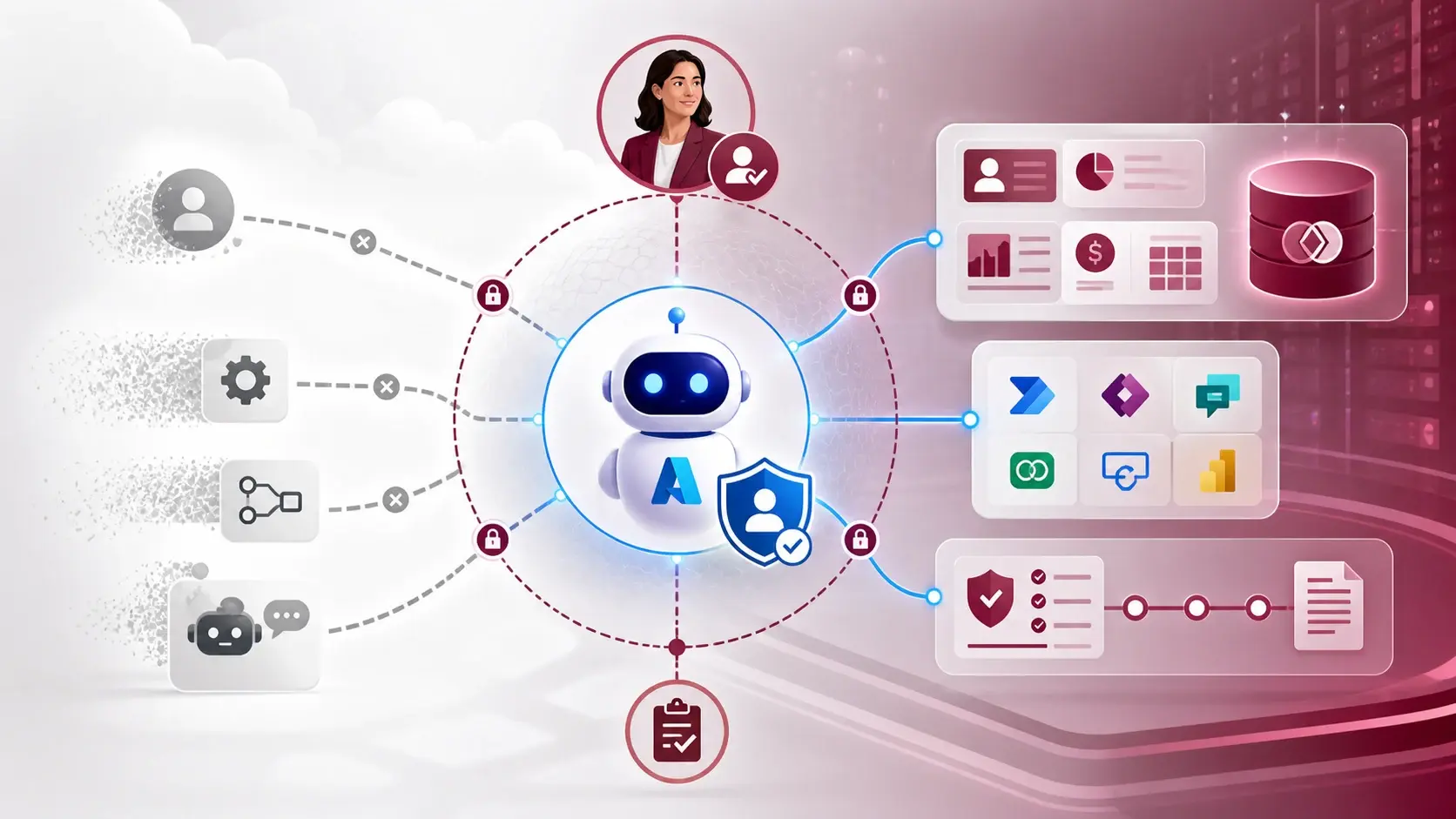
Microsoft describes an agent identity as a distinct identity that can be authenticated, authorised, governed and audited — not a friendly name placed on a shared service account. It can have:
- a sponsor, the person accountable for it;
- a blueprint, which defines a common class of agents;
- permissions managed independently of other agents.
Entra's wider documentation adds lifecycle management, Conditional Access, risk protection and identity governance. Those matter because an agent's instructions, tools and autonomy change over time, and its access should change with them.
What it means in Copilot Studio and Dataverse
Microsoft's documentation says Copilot Studio automatically creates an Entra Agent ID for new agents as the July 2026 rollout takes effect. When a maker publishes an agent, its connector permissions can be attached to that identity and inspected in the Entra admin centre. Existing agents move across from older app-registration patterns, so check your tenant rather than assume.
For Dataverse, an Entra agent identity can be linked to a Dataverse agent user, with security roles assigned for its intended access. The release plan describes the value as least-privilege access with audit trails that separate agent actions from human ones. Parts of this are preview or planned.
What I would check first
- Inventory. List the agents already running, including older ones on app registrations or shared connections.
- Reach. Map every table, connector and flow each agent can touch, starting from the action it needs — not from the broadest role available.
- Sponsor. Name a real person who can say why the agent exists and who approved it.
- Logs. Confirm the relevant Entra, Dataverse and Power Platform logs are kept long enough to investigate.
- Retirement. Decide what happens to the identity and its permissions when the agent is no longer needed.
Early demos showed what an agent could do. Production asks who did it, under whose authority and with what evidence. An identity is the start of that answer, but only if the role, the approval and the audit process are designed around it.
A practical next step
Choose one Copilot Studio agent that uses Dataverse and write a one-page profile: purpose, sponsor, connectors, tables, security role and the audit record you expect to see. Then compare it with the current Entra Agent ID and Dataverse agent-user documentation. The aim is not a new name for the agent. It is narrow authority, explainable actions and an easy retirement.
Sources
References used for this article. Links open in a new tab.
- Microsoft Learn — Create Entra agent users (preview)
- Microsoft Learn — Manage Entra Agent IDs
- Microsoft Learn — Create Dataverse agent users with Microsoft Entra agent identity
- Microsoft Learn — Overview of agent identities in Microsoft Entra
- Microsoft Learn — Manage agent identities in your organization (Microsoft Entra Agent ID)
- Microsoft — Dataverse Is Your Agent Data Platform: Here’s What’s New
- Microsoft Tech Community — Build AI agents for production with secure identities from day one
- Microsoft Tech Community — Govern AI agent identities and access the same way you govern your employees