Dataverse is becoming an agent data platform: why the entry points matter
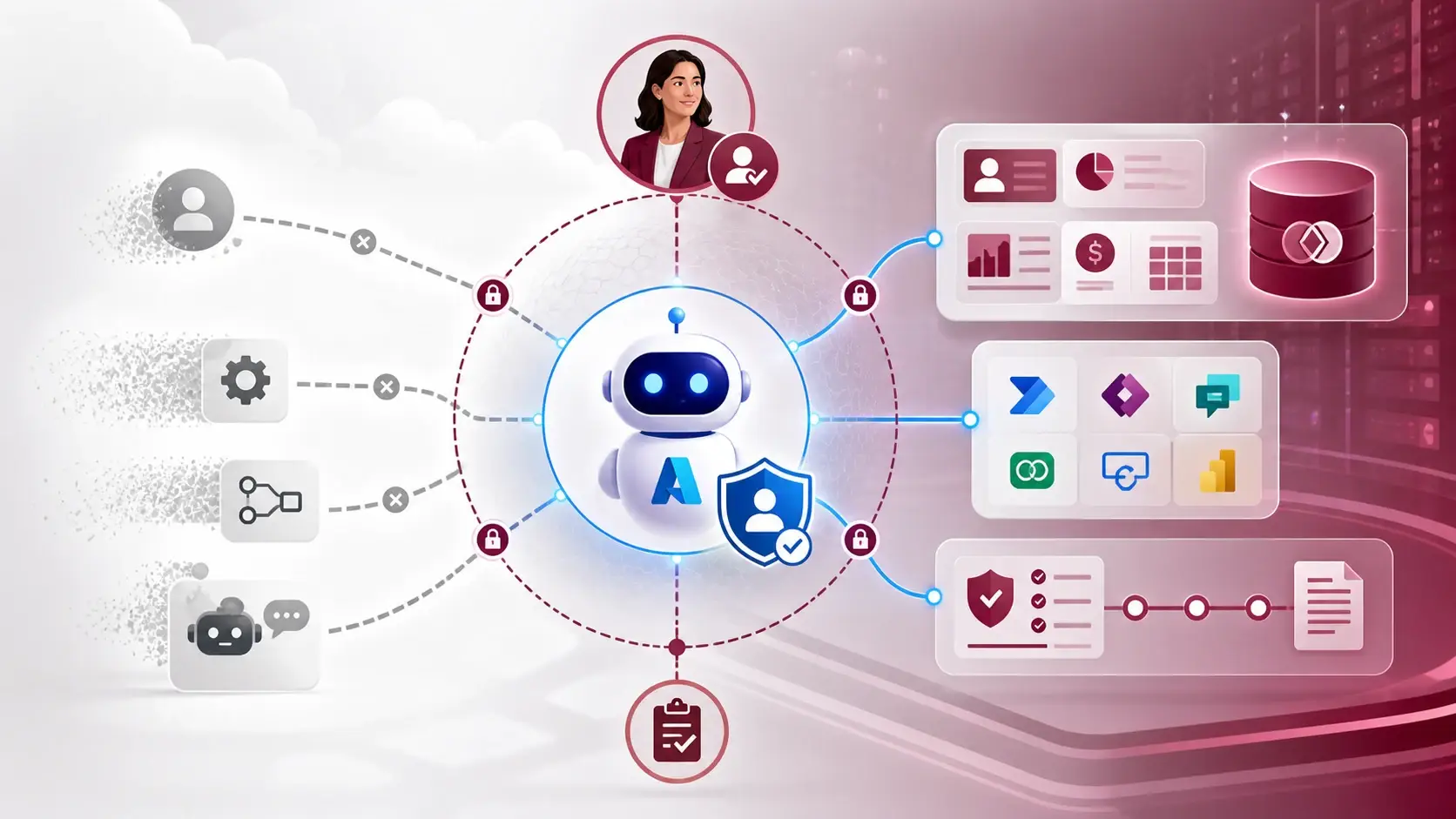
There are now several ways into the same Dataverse data: MCP for agents, the Python SDK for scripts, the Power Platform CLI for administration, and plugins that sit on top of all three for coding agents. The interesting question is not which one is best. It is which one fits which job.
This trend is clear in the community conversation, with Dataverse leaders such as Julie Koesmarno and James Oleinik describing Dataverse as the governed data layer that agents, tools and automation all share. Microsoft frames the change as a move from simple data access towards business understanding: agents working with tables, relationships, rules and reusable business skills, not just matching records.
Four doors, four jobs
- MCP suits exploratory, agent-led work. A Copilot Studio agent, GitHub Copilot or Claude can discover tables, describe the schema and query records through a standard set of tools, without a custom integration for every client.
- The Python SDK suits repeatable work where you want explicit control: scripts, tests, data preparation and batch operations.
- The Power Platform CLI suits administration and solution work, such as exporting, packing and deploying.
- The Dataverse plugin for coding agents sits above these and helps pick the right tool for the request. It is still in preview.
A simple rule of thumb: if the task is a question, MCP is a good door. If it is a process you will repeat, move it into code with the SDK or CLI, under source control.
Compare the doors side by side
The most useful exercise I know is to document four paths to the same business data and fill in a short table for each:
- a person using the app;
- a Copilot Studio agent;
- an SDK script;
- a CLI or deployment workflow.
For each one, record the identity used, its permissions, the tools available, the data boundary and the audit evidence it leaves. The gaps show up quickly. Usually one door is far more open than the others, and nobody had noticed.
What changes in the design
Tool permissions now need designing alongside user permissions. A read-only discovery scenario should not automatically receive write-capable tools. An agent that updates records needs a narrower role, a clear owner and an audit path.
The data model matters more too. Clear table names, descriptions and relationships help every door, but agents feel ambiguity first. More on that in where business rules should live.
I like this direction because it stops forcing every Dataverse problem through one interface. My caution is that a plugin can make the first connection feel easier than the governance underneath it. Convenience should shorten the path to a good design, not hide the design decisions.
A practical next step
Pick one environment and fill in the four-door table above. Then decide, for each door, whether it should be open at all for that environment. If you want a hands-on start with the agent door, the Dataverse MCP walkthrough covers the setup step by step.
Sources
References used for this article. Links open in a new tab.
- Microsoft — Dataverse Is Your Agent Data Platform: Here’s What’s New
- Microsoft — Dataverse MCP Server: Understanding the New Tool Shape
- Microsoft Learn — Enable preview tools and features in Dataverse MCP server
- Microsoft Learn — Connect to Dataverse with model context protocol in Microsoft Copilot Studio
- Microsoft Learn — Microsoft Dataverse plugin for AI coding agents (preview)
- LinkedIn — post by Julie Koesmarno
- LinkedIn — James Oleinik: Dataverse Adds New Entry-Points for AI Agents
- LinkedIn — post by james-oleinik