Power Apps model-driven app skills bring complete app building to AI coding agents
Microsoft's Power Platform Skills repository now has a preview /app-builder skill for model-driven apps. From a plain-language brief, an AI coding agent can help shape the whole app: tables, relationships, forms, views, charts, security roles and the sitemap. I think it is most useful as a design conversation starter, so that is how this piece looks at it.
From page to product
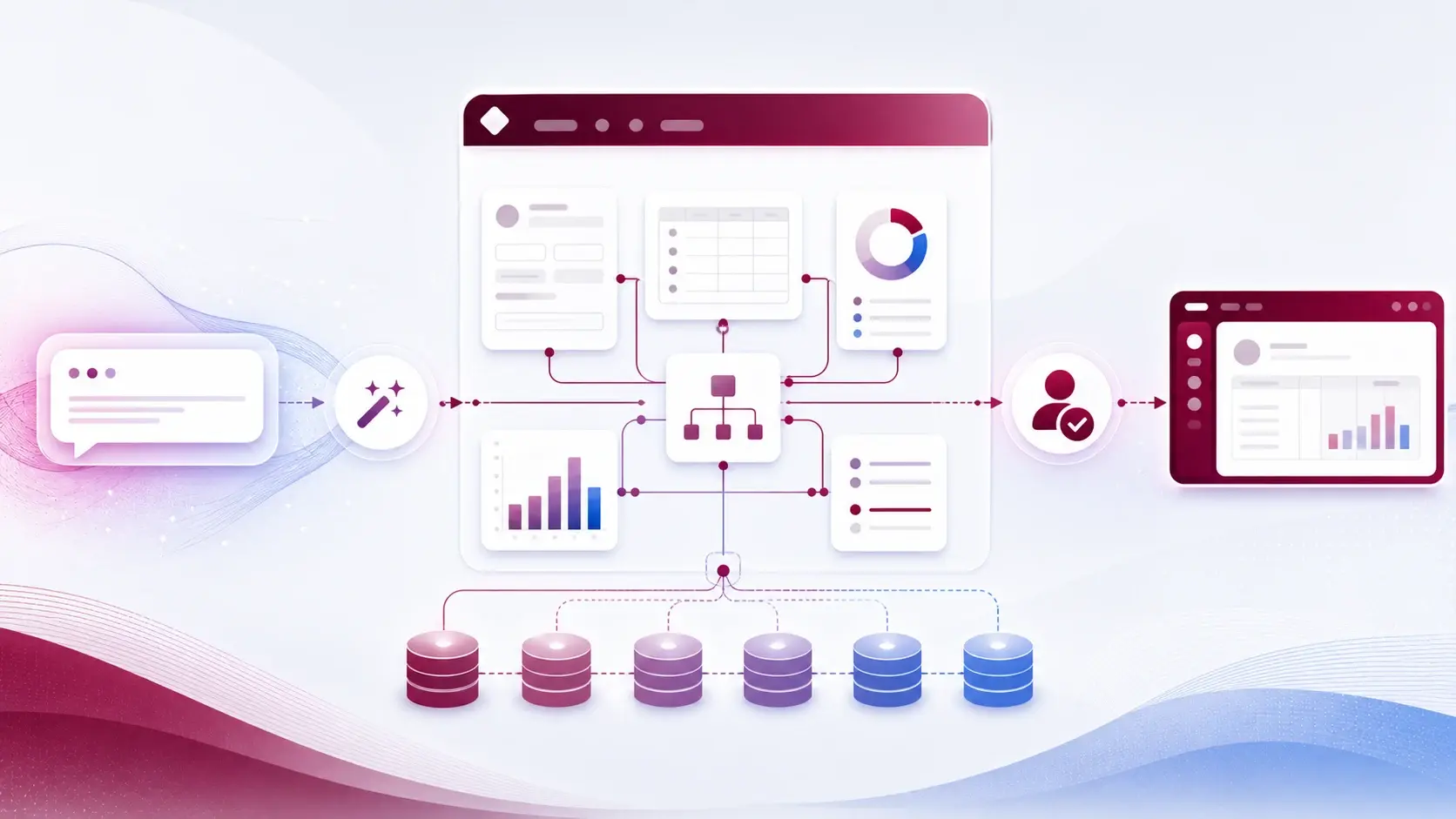
The model-apps plugin has two paths. The existing /genpage skill builds standalone generative pages. The new /app-builder skill takes a broader App Spec and turns it into a model-driven application.
The spec can describe business tables and columns, relationships, adaptive forms with subgrids, views, choice-column charts, dashboards, generative-page intents, personas, security roles, and the app shell with its sitemap. The agent then plans, validates and builds, with chances to review before changes are applied.
Why a draft app helps the workshop
Business apps are rarely hard because a form is hard to draw. They are hard because the pieces have to agree: a supplier table with the right relationships, a contract form showing the right related records, views that match how people work, roles based on responsibility rather than "everyone sees everything".
A request like "an app to manage service requests" can become a reviewable first design in a short time. In my experience, stakeholders react much better to something app-shaped than to a requirements document. They spot the wrong relationship or the missing status straight away.
Writing a good brief
Here is the kind of paragraph I would start with:
"An app for facilities staff to manage service requests. Requests belong to a site and can have many tasks. Staff log requests, a coordinator assigns them, contractors close tasks. The three key jobs are: see today's open requests by site, assign a request, and record completion with a note."
It names the tables, one relationship, the personas and the three most important tasks. That is enough for a useful first pass.
Reviewing what comes back
- Data model first. Check table and column names, choices, required fields and ownership before looking at any screen.
- Relationship direction. One-to-many the wrong way round is easy to miss and painful to fix later.
- Roles. Ask the agent to explain which persona can do what, and compare it with how the process really runs.
- Sitemap and views. Can each persona find their three key tasks quickly?
- Build in phases in development, then test with real user journeys.
- Promote through normal ALM, like any other solution — security, data quality, integrations and support included.
This speeds up solution design; it does not replace it. Generated fields and navigation can look perfectly reasonable while missing a business rule or a security boundary. Getting from a sentence to an app is now fast. Whether the sentence describes the right process is still our job.
For your first try, judge the result less on the screens and more on whether the draft showed you gaps in the process early enough to fix them.
Sources
References used for this article. Links open in a new tab.
- GitHub — microsoft/power-platform-skills: plugins/model-apps
- GitHub — microsoft/power-platform-skills: plugins/model-apps/README.md
- Microsoft Learn — Enable your app and custom tools in Microsoft Copilot
- Microsoft — Making apps smarter with Copilot and app skills in Power Apps
- Microsoft — Public preview: Power Apps MCP and enhanced agent feed for your business applications
- Microsoft — Custom tools and rich UI for app-based conversations are now in Public Preview
- Microsoft — Introducing business skills: Teach agents how your organization works