Power Pages is becoming an AI-native web platform—but security remains the boundary
AI can now help build a Power Pages site from end to end, and AI clients can talk to a running site through MCP. Both are useful. Both also make one thing more important than before: knowing exactly where the trust boundary sits.
AI on the building side
The Power Pages plugin for GitHub Copilot CLI and Claude Code can help across the lifecycle: scaffolding a site, setting up a Dataverse data model, configuring authentication, connecting a backend and deploying through environments. The @powerpages participant in VS Code brings similar help into a developer's normal editor.
Nitin Chachad recently described Power Pages as moving towards an AI enterprise platform. I read that less as "portals will build themselves" and more as a change in roles: the maker describes the outcome, and the team stays responsible for the decisions that make it safe. Microsoft itself warns that generated code and configuration can be wrong, so every proposal still needs inspecting and testing.
AI on the running side: MCP
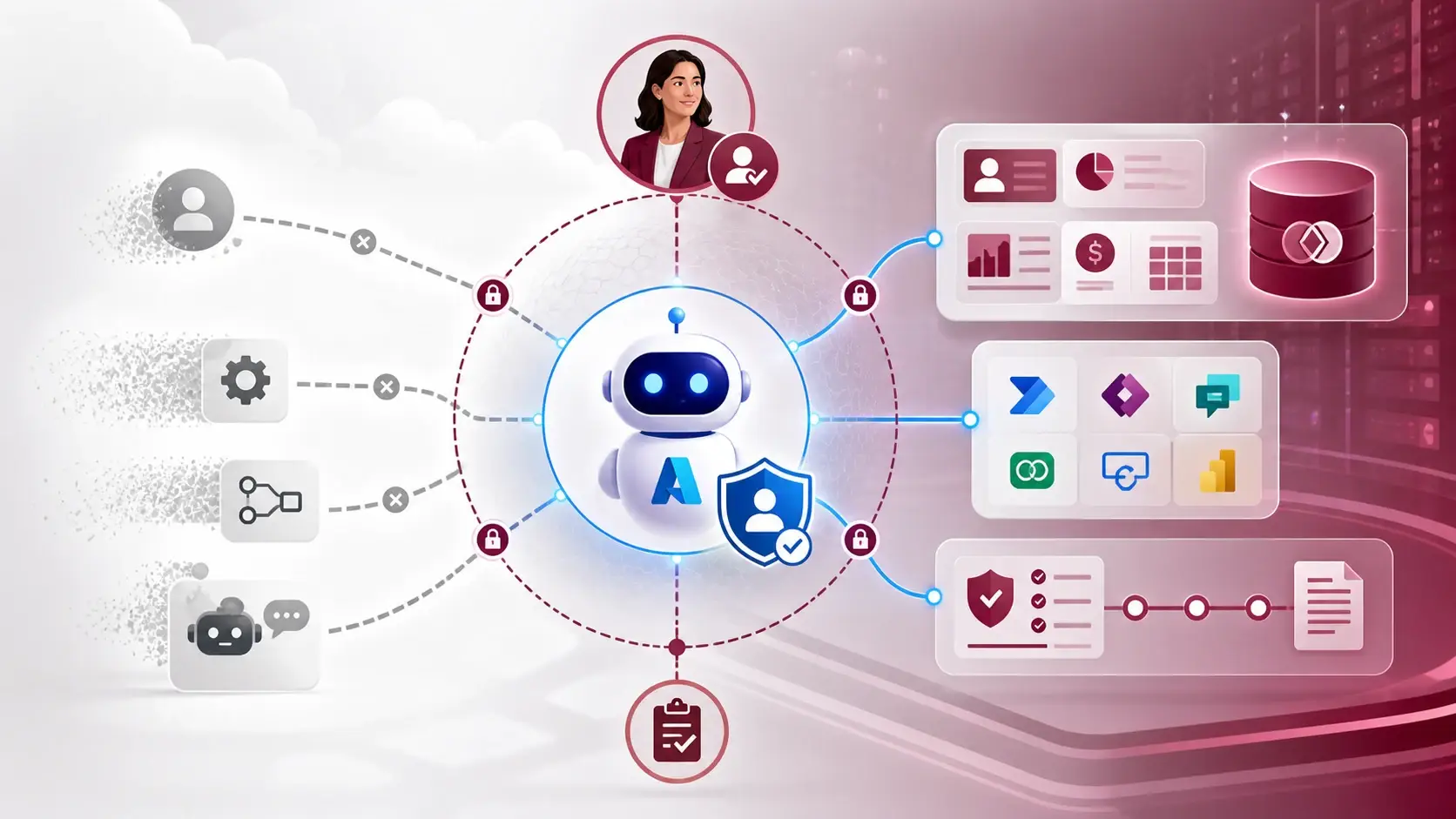
The Power Pages MCP server gives compatible AI clients a standard way to work with a site's data, APIs and business logic. That can make a portal's capabilities available to an assistant without handing over an open database connection.
The key word is controlled. Authentication, web roles and table permissions still decide which records and operations a caller gets. MCP is not a way around the security model. It is one more door that has to sit inside it.
Draw the boundary before you generate
The risk I see most is a convincing prototype whose permissions were never designed. A generated page can look finished while the table permissions, identity model and error handling are still unclear. So I define these before asking any assistant to build:
- the audiences, and which ones sign in;
- web roles and table permissions for each audience;
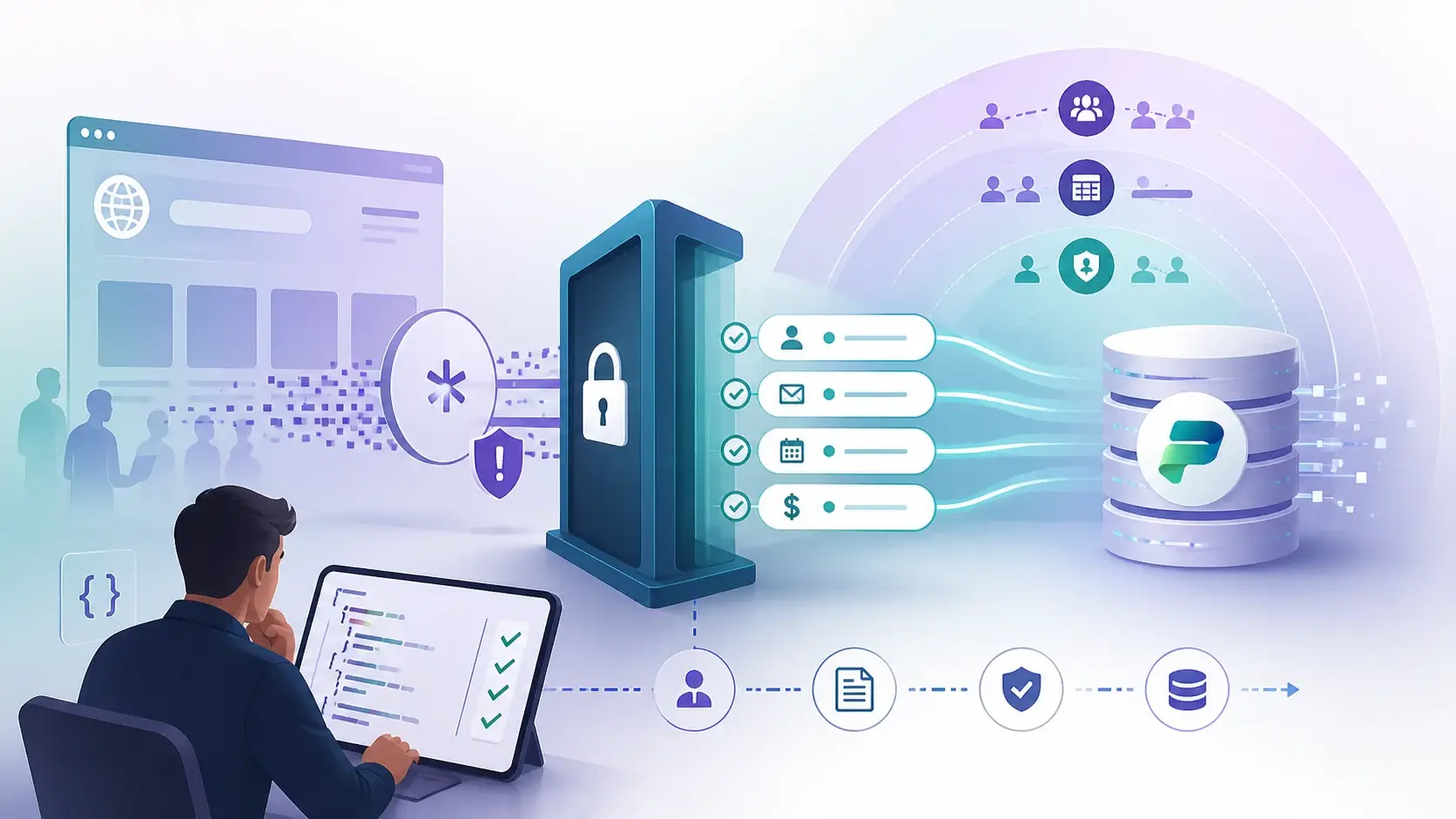
- which operations need server-side logic because the browser cannot be trusted;
- which records an AI client may read, and whether it may ever write.
Client-side code is good for interaction, but it is not a security boundary. A hidden button can still be called directly.
Power Pages is getting faster to start, not simpler to govern. The pattern I trust is a clear split: AI helps create the first version, Power Pages controls access, server logic protects the rules, and ALM provides the review gate.
A practical next step
For your next site, write the boundary list above on one page before generating anything. Then let the assistant build against it, and review the result against the same page. If the generated configuration does not match, you have caught the problem at the cheapest possible moment.
Sources
References used for this article. Links open in a new tab.
- Microsoft Learn — Get started with the Power Pages plugin for GitHub Copilot CLI and Claude Code
- Microsoft Learn — Connect to Power Pages MCP server
- Microsoft Learn — Security agent (preview)
- Microsoft Learn — Power Pages server logic overview
- Microsoft Learn — Copilot and generative AI features in Power Pages documentation
- LinkedIn — post by Nitin Chachad