Power Pages Web API hardening: why explicit fields are the new baseline
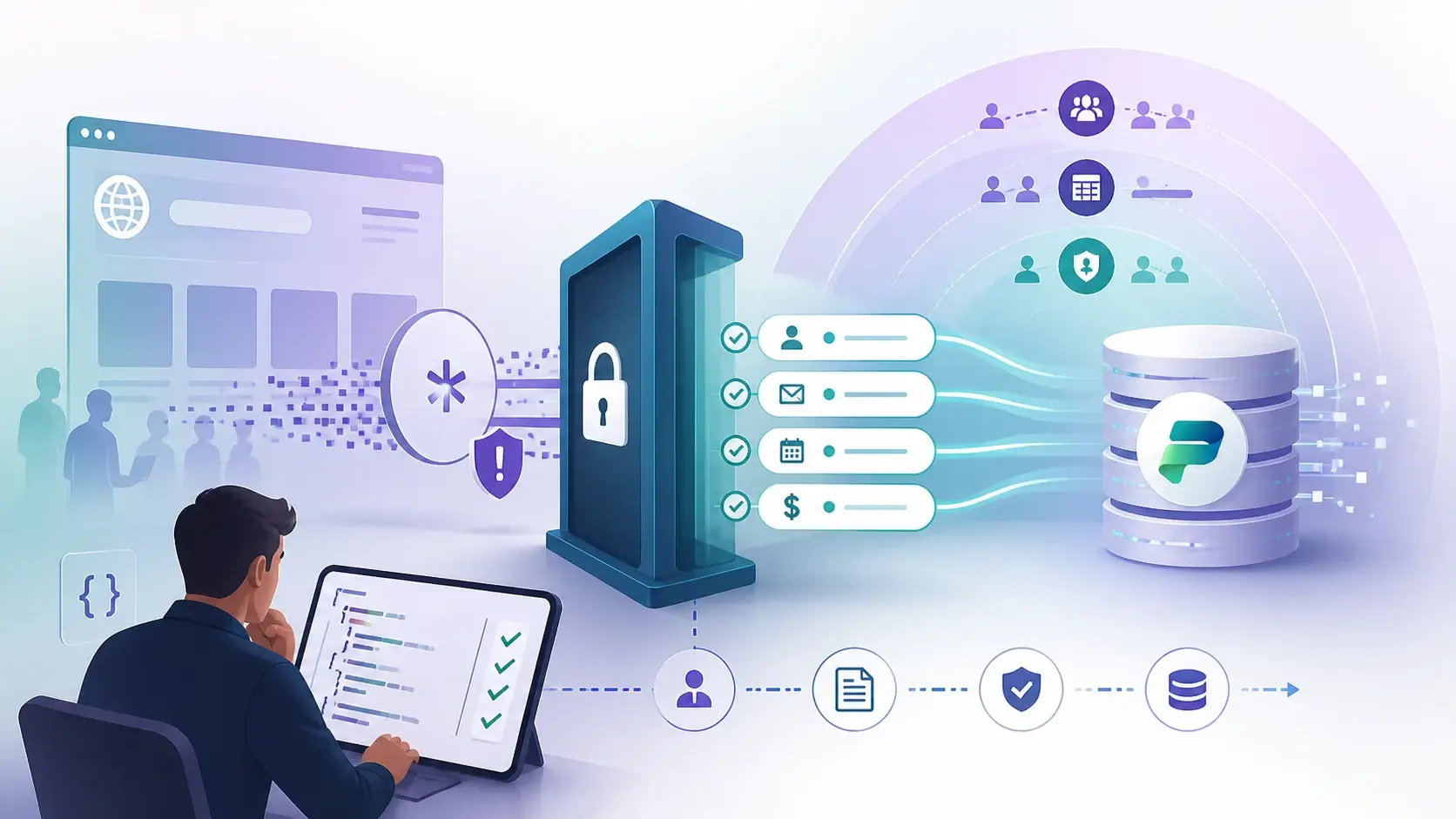
Microsoft has deprecated the * wildcard in the Webapi/<table-name>/fields site setting. Requests to tables configured with the wildcard will fail until you list the columns explicitly. It is a small configuration change with a big benefit: your portal's data contract becomes visible.
Why the wildcard was a problem
Wildcards are convenient early on. A page asks for a record and gets everything, without anyone deciding which fields it needs.
The trouble comes later. Someone adds a private phone number, an internal status or an integration key to the table, and the wildcard quietly starts returning it to external users. The API grows with the schema, and nobody notices.
An explicit list turns that around. A page gets the small set of fields it needs, and a schema change does not automatically become a public response. Nicholas Hayduk has made the same practical point in the community: treat the Web API settings as an intentional allow-list.
Fields are only one of three locks
The fields setting decides which columns an endpoint can expose. It does not decide which records a visitor sees. Those are separate:
- Fields setting — the columns the API can return for that table.
- Table permissions via web roles — the records a user can reach.
- Column permissions — extra protection for individual sensitive fields.
Signing in does not mean seeing everything. Authentication says who the visitor is. These three settings say what they may access.
How I would review an existing site
- Inventory the API surface. List every table where
Webapi/<table>/enabledis true, its current fields setting, and the pages or scripts that call it. - Find the real consumers. Old Liquid templates, JavaScript, custom forms and shared components may depend on fields the wildcard was returning.
- Replace the wildcard with the exact logical column names each page needs. Names are case-sensitive.
- Test records and fields separately with a real signed-in user, and confirm column permissions block sensitive attributes.
- Test what should fail: an unlisted field, a record outside the user's scope, and a configuration table the portals Web API does not support.
- Deploy through your normal environments — not as a quick change in production while waiting for error reports.
"The portal has permissions" is not an answer. I want to know which records are visible, which columns are returned and why each one is needed. An explicit field list gives the team something it can actually review.
A practical next step
Start with the most sensitive table your portal exposes. In development, replace its wildcard with the columns your pages really use, then test anonymous and signed-in journeys before promoting. For building on top of this safely, see lookups and custom forms.
Sources
References used for this article. Links open in a new tab.
- Microsoft Learn — Overview of the Power Pages portals Web API
- Microsoft Learn — Web api permissions
- Microsoft Dev Blogs — A deep dive into Power Pages Enhanced Authorization
- GitHub — microsoft/power-platform-skills: plugins/power-pages/agents/webapi-settings-architect.md
- LinkedIn — Nicholas Hayduk, P. Eng.: How to secure your Power Pages Web API
- LinkedIn — Shivdeep Bisurkar: Power Pages Security Layers: Authentication vs Authorization
- LinkedIn — post by Michel Mendes